

Pre-sales customer service WeChat


The reason why the bar code machine is not clear, how to set the best printing effect of the bar code printer
Release Time:2014-06-11
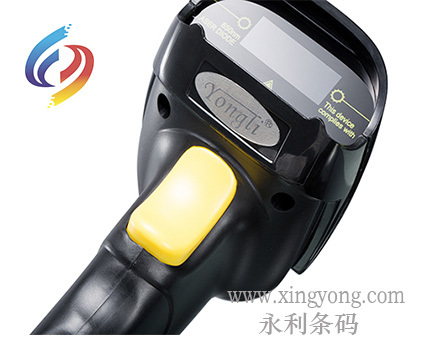
Barcode machine hardware troubleshooting please see the following table:
| Cause of failure |
Solution |
Operator |
| Print head or roller dirty |
Clean the print head and rubber roller with absolute alcohol. |
User |
| Incorrect print head position |
Adjust print head position |
Barcode Engineer |
| Print head pressure imbalance |
Adjust the pressure on both sides of the print head |
Barcode Engineer |
| Print head bracket, rubber roller or print head wear |
Replace print head holder, rubber roller or print head as appropriate |
Barcode Engineer |
| Power failure |
If the original power supply of the barcode printer is used, replace the original power supply; use a digital multimeter to measure whether the output voltage value of the power supply is stable (24V), and replace the power supply if the output voltage value is unstable. |
Barcode Engineer |
| Printer motherboard |
Motherboard inspection repair. |
Barcode Engineer |
The above steps still cannot solve the problem, please contact your barcode printer supplier for inspection and repair!Hongxing Yongli, a leader in the bar code industry.
Focus on us
Official Account
Pre Sales
After Sales
National Service Hotline
Complaint suggestion:+86 13530144755
Enterprise E-mail:wanglili@xingyongli.com
Links:Shenzhen Hongxing Yongli Electronic Technology Co., Ltd.(Apply for friend chain plus QQ:2355671558)
©2024 Shenzhen Hongxing Yongli Electronic Technology Co., Ltd Powered by www.300.cn