

Pre-sales customer service WeChat


Driving Problem of Barcode Scanner
Release Time:2020-07-21
Do bar code scanners need drivers for installation? I often meet many friends on the Internet who ask for bar code scanner drivers or ask about bar code scanner drivers. It should be caused by the fact that this knowledge is not popularized. Hongxing Yongli will give you an explanation here.
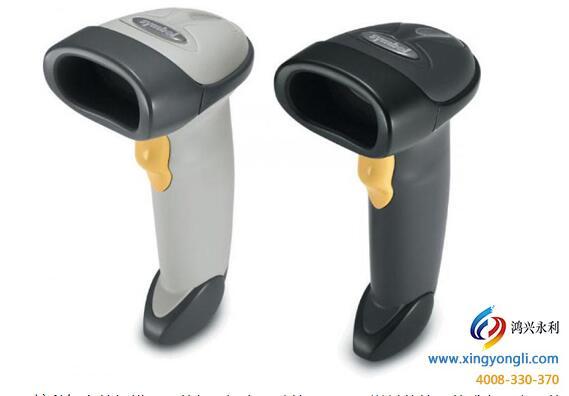
First of all, well-known scanner brands like symbol and honeywell are not driven, let alone other brands or domestic brands.
Secondly, sometimes you may encounter that the data cable is connected to the computer, but you cannot scan the data into notepad or software. Here, I tell you that this is not a problem that the scanning gun is not equipped with a driver, but it may be:
1. There is a problem with the data line;
2. There is an input method under Notepad. If there is, please close it and try scanning again;
3. The factory settings can be restored due to incorrect settings before.
Furthermore, if you are using a wireless scanning gun, after connecting the data line, remember to scan the bar code on the corresponding base, so that the function of wireless Bluetooth transmission can be realized.
Through the above analysis, everyone should have understood that the barcode scanner is not driven. I hope you will not waste your time and put your time on solving the problems encountered.
Focus on us
Official Account
Pre Sales
After Sales
National Service Hotline
Complaint suggestion:+86 13530144755
Enterprise E-mail:wanglili@xingyongli.com
Links:Shenzhen Hongxing Yongli Electronic Technology Co., Ltd.(Apply for friend chain plus QQ:2355671558)
©2024 Shenzhen Hongxing Yongli Electronic Technology Co., Ltd Powered by www.300.cn