

Pre-sales customer service WeChat


The print settings and paper settings of the ZM400 Zebra printer cannot be guaranteed.
Release Time:2020-07-10
The print settings and paper settings of the ZM400 Zebra printer cannot be saved. After checking, it is found that the paper settings in the print settings are incorrect and cannot be set correctly. Paper settings and other printers cannot be saved even if they are set directly in Control Panel-Printers.
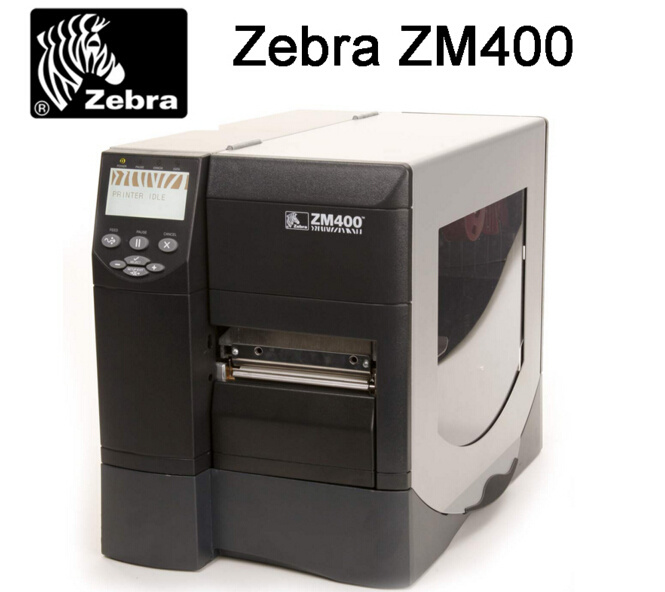
Solution: The original driver was installed by the CD that accompanied the printer. After downloading the latest driver from the Internet again and installing it, the problem is solved.
Cause analysis:
1. The printer is easy to make mistakes when installing with many subdivision categories along with the disk drive.
2. The printer with the disk drive may no longer adapt to the new operating system patch and need to use a newer version of the driver.
Focus on us
Official Account
Pre Sales
After Sales
National Service Hotline
Complaint suggestion:+86 13530144755
Enterprise E-mail:wanglili@xingyongli.com
Links:Shenzhen Hongxing Yongli Electronic Technology Co., Ltd.(Apply for friend chain plus QQ:2355671558)
©2024 Shenzhen Hongxing Yongli Electronic Technology Co., Ltd Powered by www.300.cn