

Pre-sales customer service WeChat


How to improve the printing speed of barcode printer
Release Time:2020-07-10
How to improve the printing speed of the barcode printer, Hongxing Yongli has several ways to improve the printing speed. Users can use one or more of them according to actual needs:
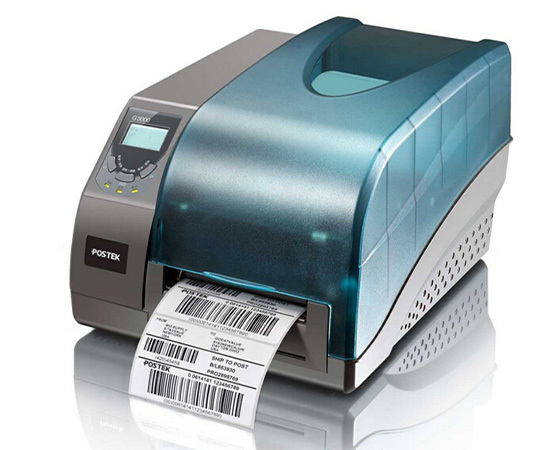
1. Use a parallel port instead of the serial port provided by the original Zebra factory. Although the serial connection is simple, the use of wide, but its disadvantage is slow. It is possible for general applications, but for occasions with high speed requirements, please choose a separate parallel port interface.
2. Use a lower resolution print head. You can't have both speed and effect.
3. Set the printing speed to high-speed mode, and the default setting is medium speed. However, the higher the speed, the worse the printing effect.
4. Choose high-grade printer. High-end printers allow much higher maximum print speeds than low-end ones.
Focus on us
Official Account
Pre Sales
After Sales
National Service Hotline
Complaint suggestion:+86 13530144755
Enterprise E-mail:wanglili@xingyongli.com
Links:Shenzhen Hongxing Yongli Electronic Technology Co., Ltd.(Apply for friend chain plus QQ:2355671558)
©2024 Shenzhen Hongxing Yongli Electronic Technology Co., Ltd Powered by www.300.cn