

Pre-sales customer service WeChat


Zebra barcode printer test print head broken needle
Release Time:2020-07-10
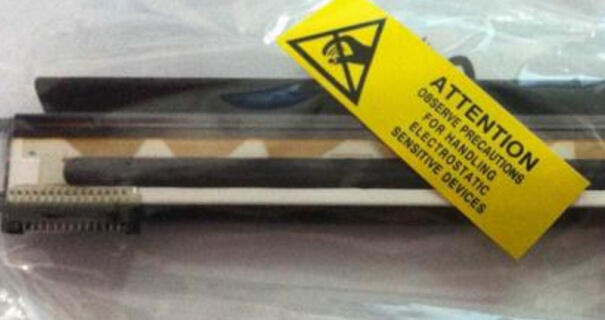
Zebra barcode printer test print head broken needle, when we suspect whether the print head has broken needle, we can through the following two methods of operation to test:
1. Press and hold the PAUSE key and turn it on. After all the lights on the front panel of the zebra barcode printer are turned off, release the key.
2. When the printer is in a suspended state, press the Pause key to restart the printing test at the same speed, and press the Cancel key to start the printing test at the next speed. The above steps will print a series of test sample labels at different printing speeds to detect the printing quality. They are: start printing: 2 inch/s 15 labels, pause once every 15 labels; Press CANCEL key for the first time: 6 inch/s 15 labels, pause once every 15 labels; Press CANCEL key for the second time: 2 inch/s 50 labels, pause once every 50 labels; Press CANCEL for the third time: 6 inch/s 9999 labels, pause once every 50 labels; Press CANCEL for the fourth time: 10inch/200dpi,8inch/300dpi,4inch/600dpi, and print 50 labels each time you press PAUSE.
The label printed by the above operation can be seen whether our print head really has broken needles (note: it is best to use 100MMX100MM label paper and full wax-based carbon tape for printing)
Focus on us
Official Account
Pre Sales
After Sales
National Service Hotline
Complaint suggestion:+86 13530144755
Enterprise E-mail:wanglili@xingyongli.com
Links:Shenzhen Hongxing Yongli Electronic Technology Co., Ltd.(Apply for friend chain plus QQ:2355671558)
©2024 Shenzhen Hongxing Yongli Electronic Technology Co., Ltd Powered by www.300.cn